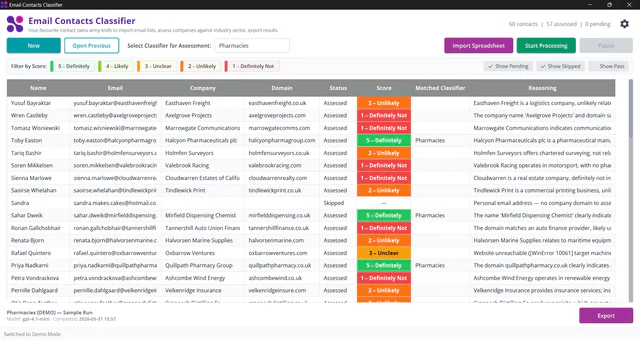


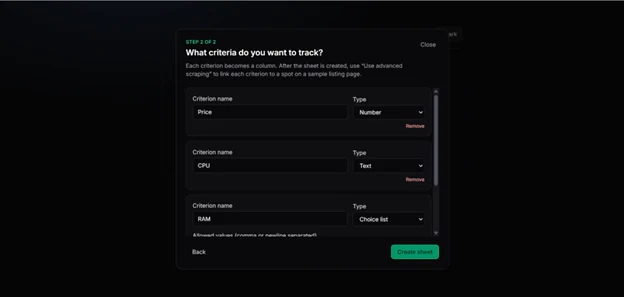

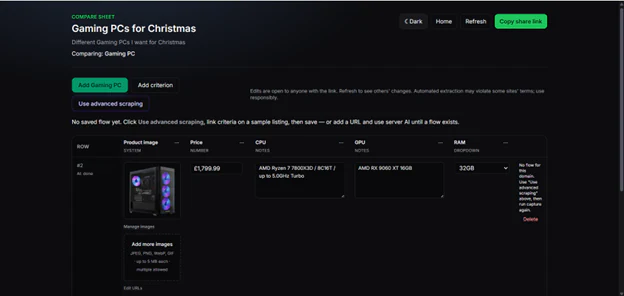
Quick Compare helps you compare options side by side without wrestling with a generic spreadsheet. You might be choosing holiday cottages, kitchen gadgets, software tools, or anything else you find online — you set up a compare sheet with the details that matter to you, add each option as a row, and see everything in one clear table.
You no longer need to compare products online by manually copying prices and specs into a spreadsheet that is quickly out of date. Quick Compare Tool replaces that mess with shareable comparison sheets built from listing URLs. Each row is a product page. Each column is a criterion you care about. Everyone with the sheet link works from the same grid.
What the app does.
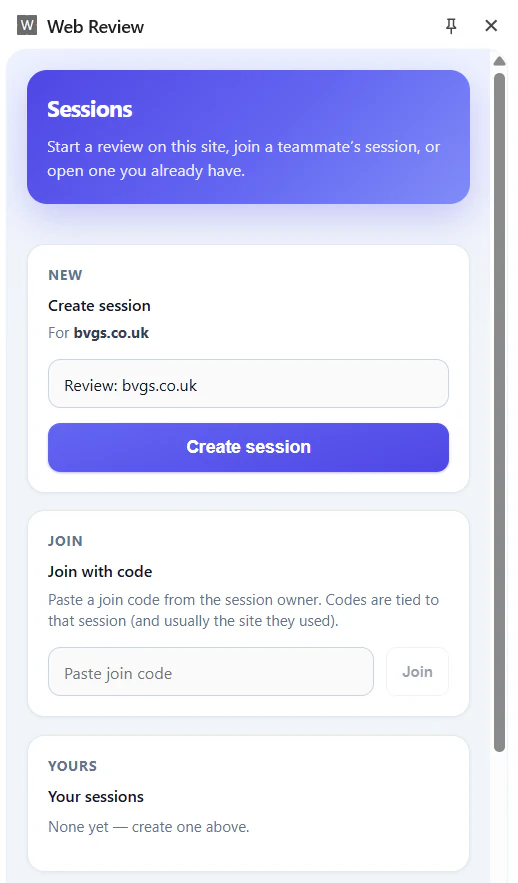
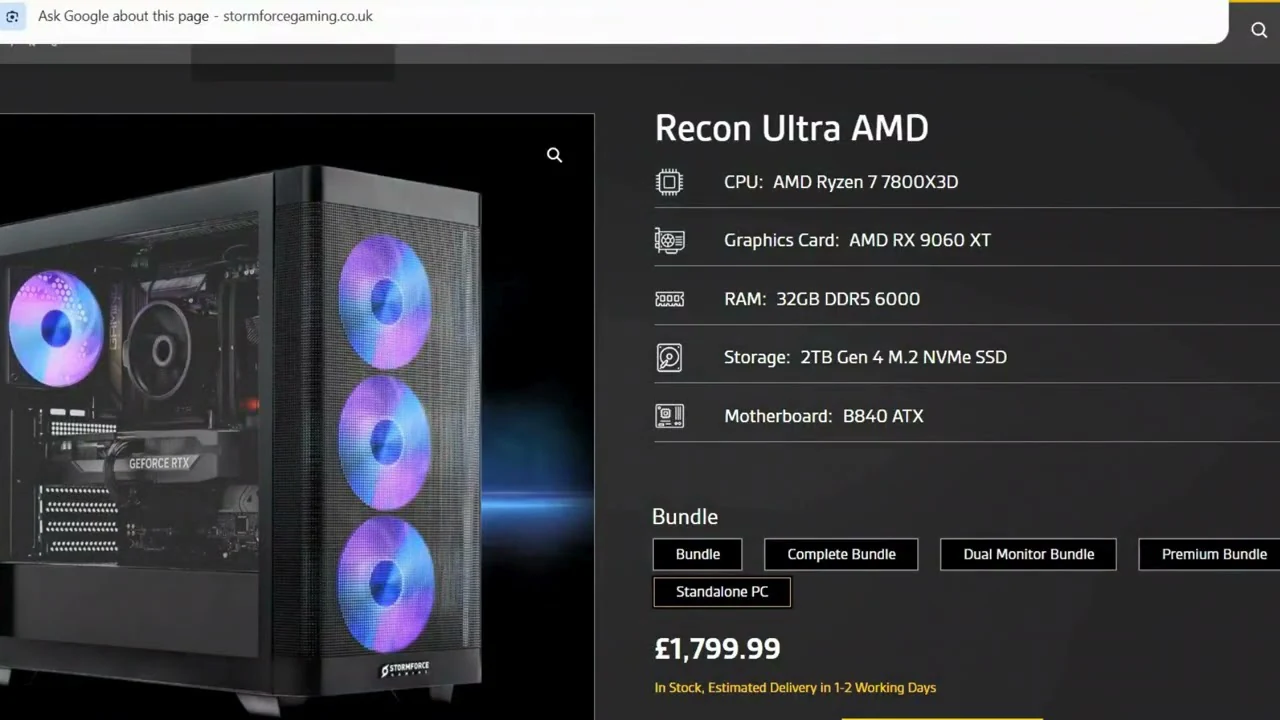
You create a compare sheet through a short wizard: name the sheet, say what you are comparing, and define criteria columns such as price, RAM, or storage. Then you add listing URLs as rows. The server can extract values into typed cells using AI. Where sites block simple fetches, an optional Chrome Flow Builder extension can run advanced scrape flows. Cells stay editable, criteria can be added later. When a site is tricky or the automatic fill misses something, you can still edit any cell by hand.
Sharing is built in: you get one link to the whole sheet. Anyone with that link can view and edit the same comparison, which makes it easy to research with collaborators: a partner, family, friends or work colleages.
The result is a living comparison grid instead of competing spreadsheet versions.
Core problem it solves.
Side-by-side research across retailer sites is slow and inconsistent. Manual copy-paste breaks when pages update, and shared Excel files fork into conflicting copies. Quick Compare Tool standardises criteria as columns, pulls values from URLs where possible, and gives collaborators one editable sheet link so the comparison stays in sync.
Target users.
Quick Compare Tool is for product researchers, procurement teams, and anyone comparing options from web listings who wants a shared sheet rather than a private spreadsheet.
Tech stack.
- Frontend: Angular 19, PrimeNG
- Backend: .NET 8, ASP.NET Core, OpenAI for extraction
- Database: PostgreSQL
- Extension: WXT + React (Chromium MV3) Flow Builder
- Platform: BBWT3-Lite
Key features.
- Create spreadsheet-style comparison sheets with a guided wizard
- AI extraction of price, specs, and custom criteria from page URLs
- Advanced Chrome extension scraper with Flow Builder for blocked sites
- Manual cell editing and shareable anonymous sheet links
- Text, number, currency, dropdown, and other column types